

CamStudio 3.0
Capture audio and video from a computer screen
Program info
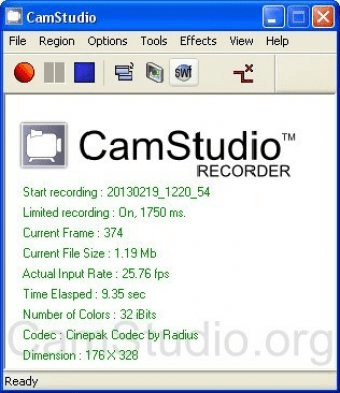
Record screen activity and audio output from your desktop and active windows. Generate AVI clips with an option to directly convert them into SWF files compatible with Flash. Customize the capture parameters and create presentations of on-screen activity.
Everyone needs to record something on his screen someday: this can be footage of a game, a PowerPoint presentation converted to video, or just a tutorial on how you can use some specific program. Many programs can record videos from the screen but most of them are paid and very often not complete and sometimes buggy.
CamStudio aims to help you record videos from your screen with a number of options: you can select a format from a list and if you can't find the format you want, download the codec on Internet so that you could use it in CamStudio. You can record your screen videos in different ways: record the whole screen, record a fixed region, or record a region that you can move during the recording. If you would like the user to easily see your cursor or don't see it at all then click on "Options" and then on "Cursor Options...". In the new window that appears, you can decide whether you want the cursor to be displayed or not, if you want to highlight it with a colored shape, and you can even change the cursor with a custom image of your choice.
Bottom line: this software is a great and free screen recorder. If you are looking to record your screen then try this software, you'll probably be satisfied with it.
Pros
- Free
- A great feature range
- Great recording quality
Cons
- Not easy to configure
Details
Extensions

No information available
The data will be available later.



Comments